Support Agents
Converting escalated tickets into trackable tasks.
 Help Desk
HappyFox Help Desk integration
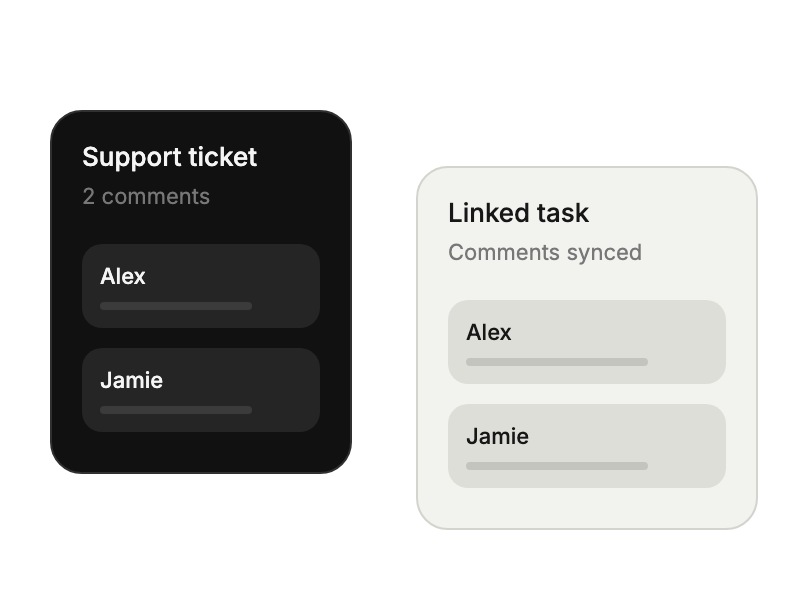
Create linked Trello cards with two-way comment sync.

Select Trello under Project Management in HappyFox Apps.
Select Link Trello and approve access to your account.
Choose update directions and adjust the settings on individual linked tickets.
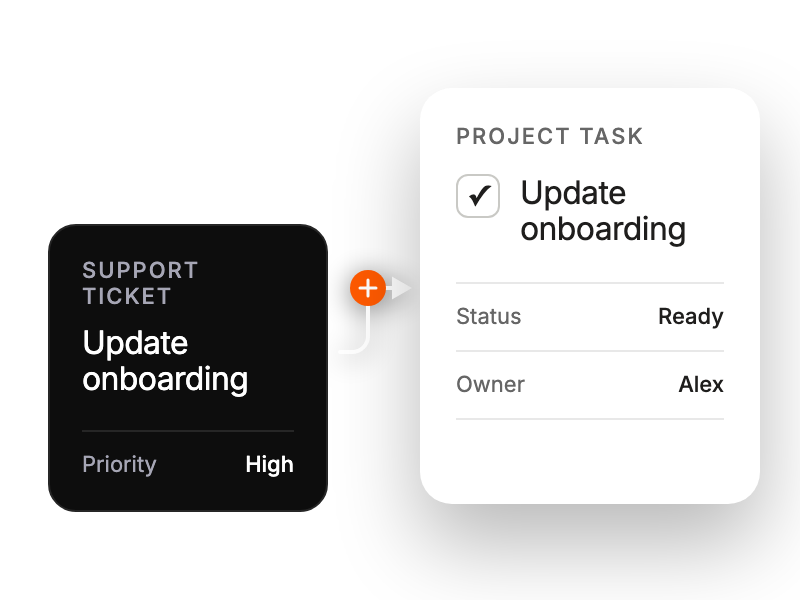
Converting escalated tickets into trackable tasks.
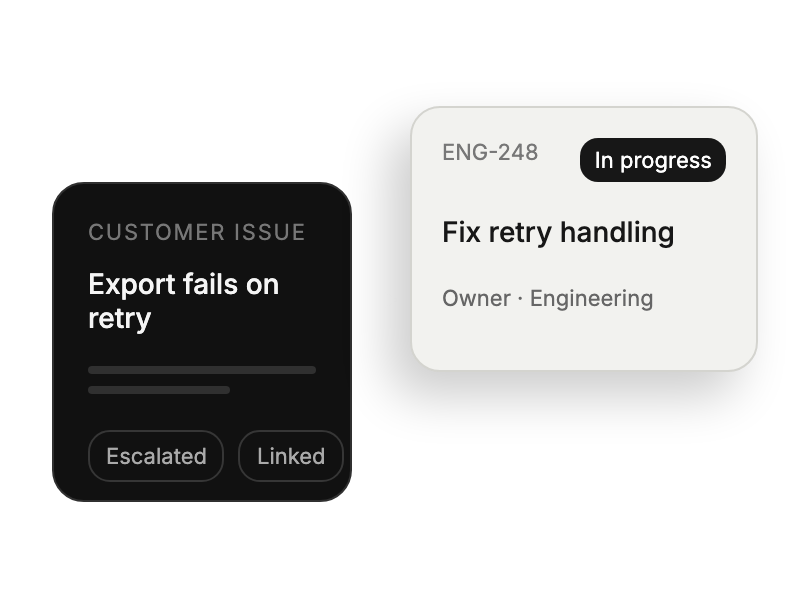
Linking customer issues to development workflows.
Tracking bug reports and feature requests.
Creating maintenance tasks from incident tickets.