Technical Support Teams
Resolving complex issues faster through direct communication.
 Help Desk
HappyFox Help Desk integration
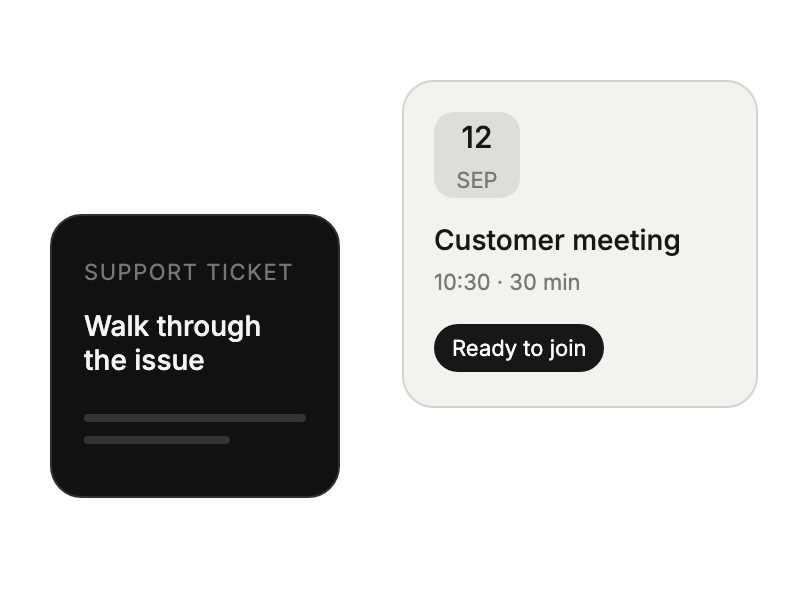
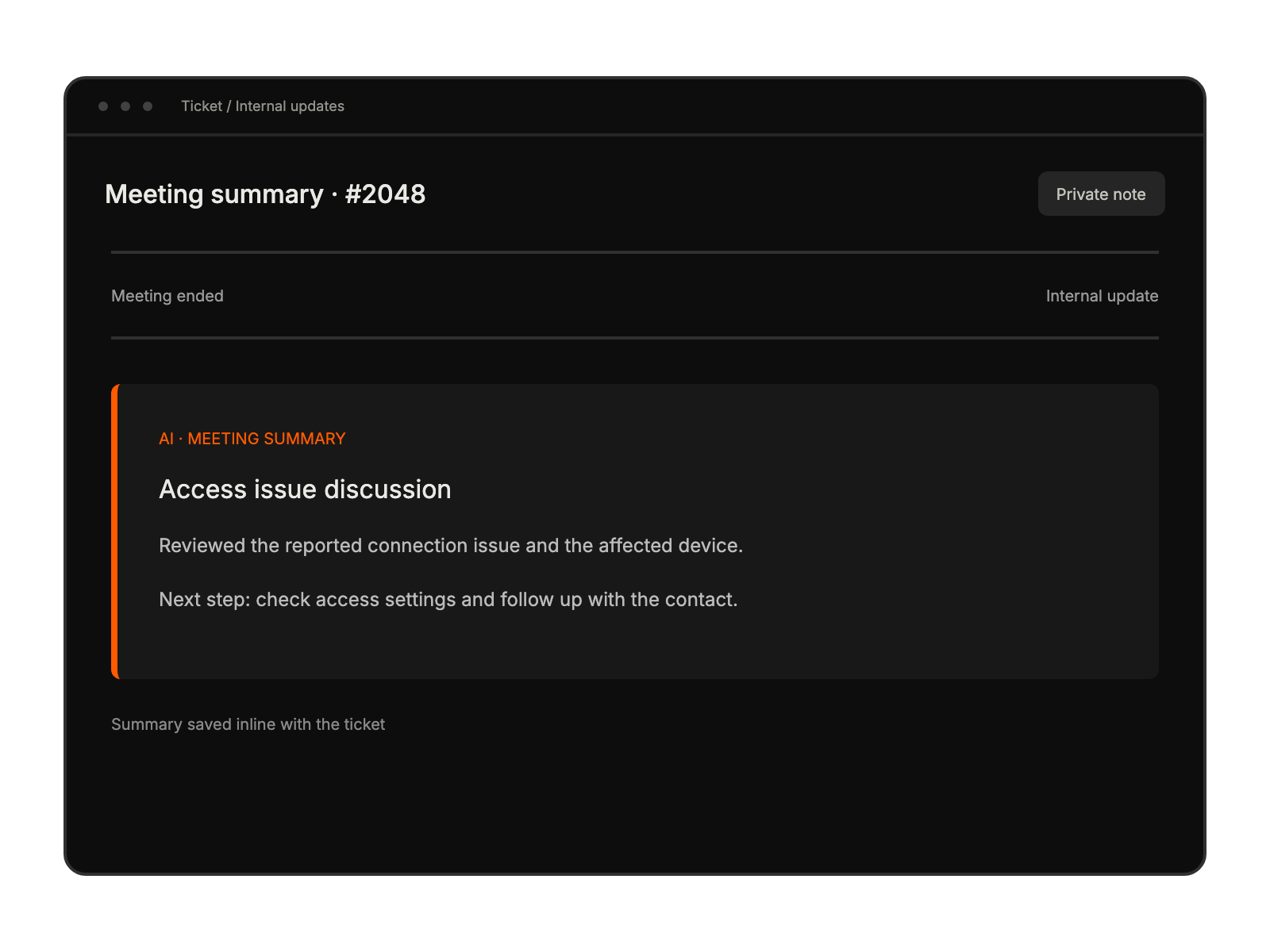
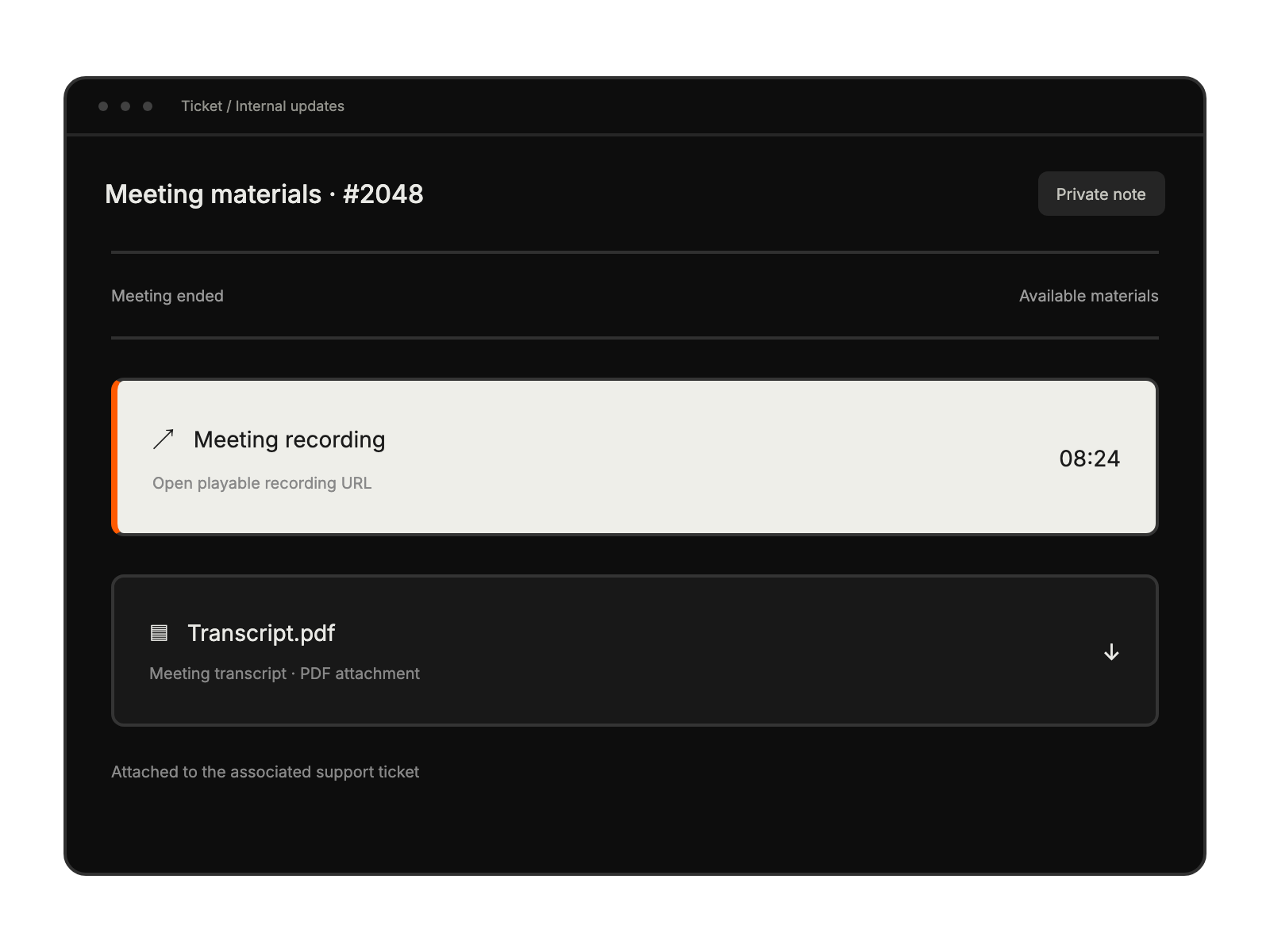
Manage Zoom meetings directly within support tickets

Configure a Server-to-Server OAuth app with the meeting, user, summary, and recording scopes in the guide.
Install the app, enter the account ID, client ID, and client secret, then save.
Complete the documented summary, recording, and transcript settings for post-meeting updates.
Resolving complex issues faster through direct communication.
Building stronger relationships with customers.
Providing clearer guidance on procedures.
Explaining product features more effectively.


