E-commerce Support Teams
Handling promotion and order inquiries effectively.
 Help Desk
HappyFox Help Desk integration
View Klaviyo campaign details inside support tickets.

In Klaviyo, obtain an API key with the account, profile, and event scopes documented in the guide.
Open Apps, choose Customer Engagement, and select Klaviyo.
Enter the Klaviyo credentials in HappyFox to connect campaign and list information.
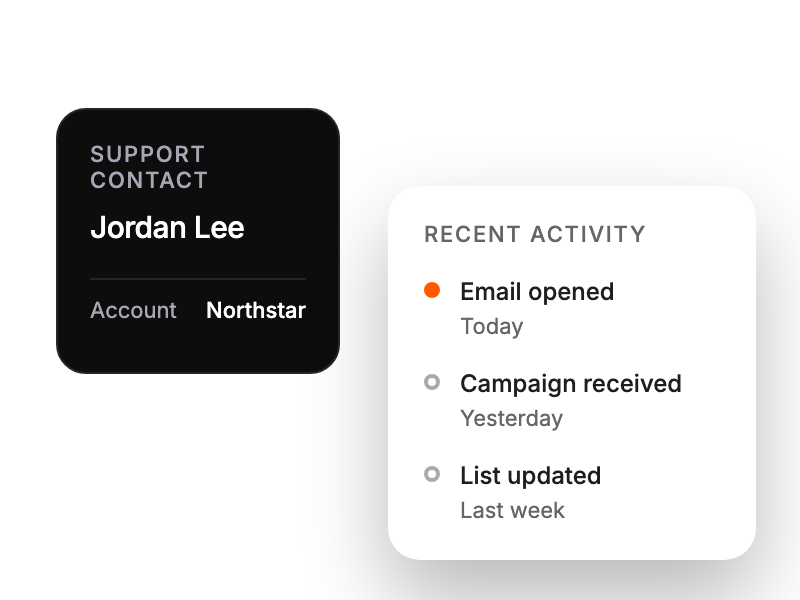
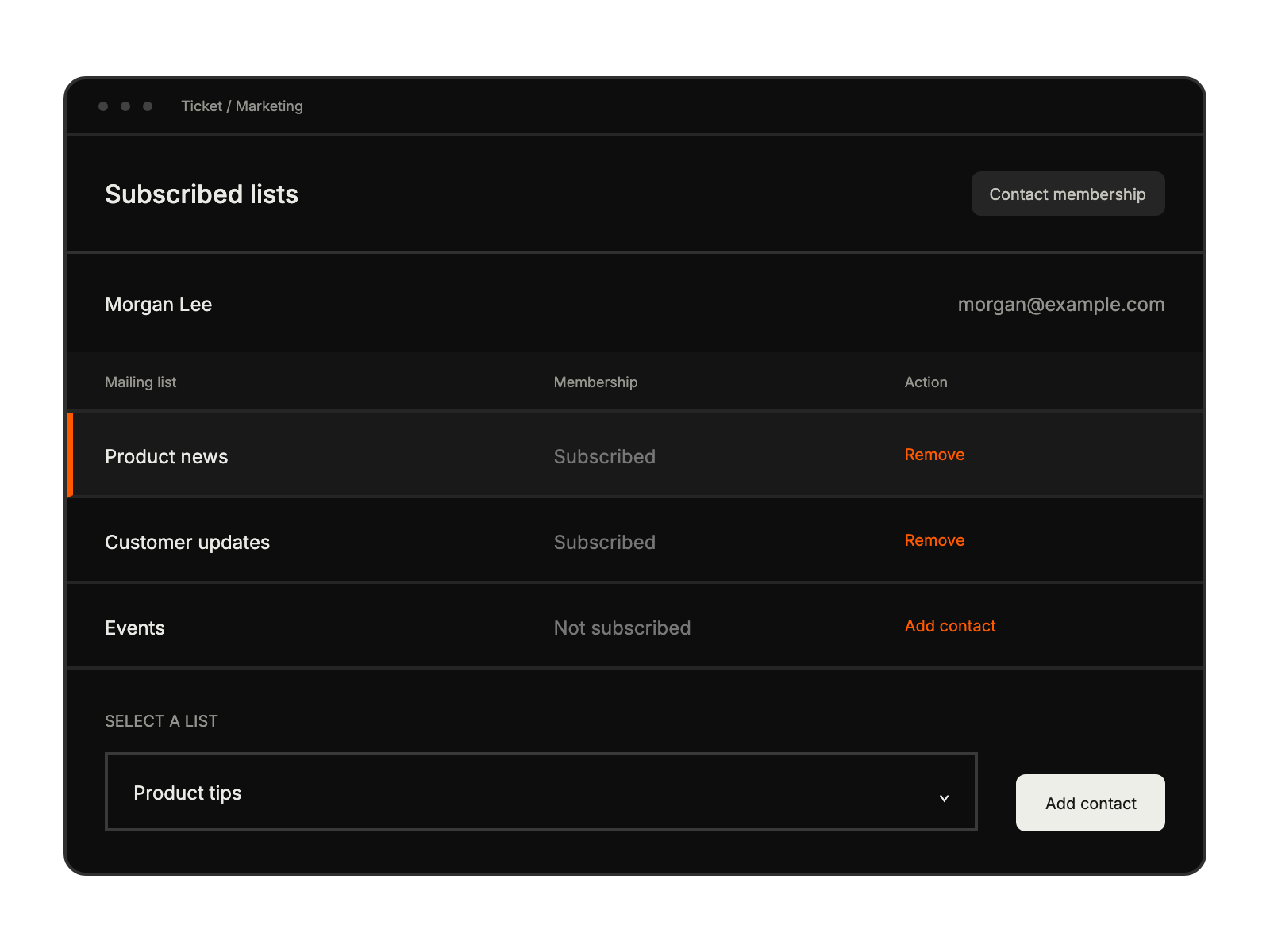
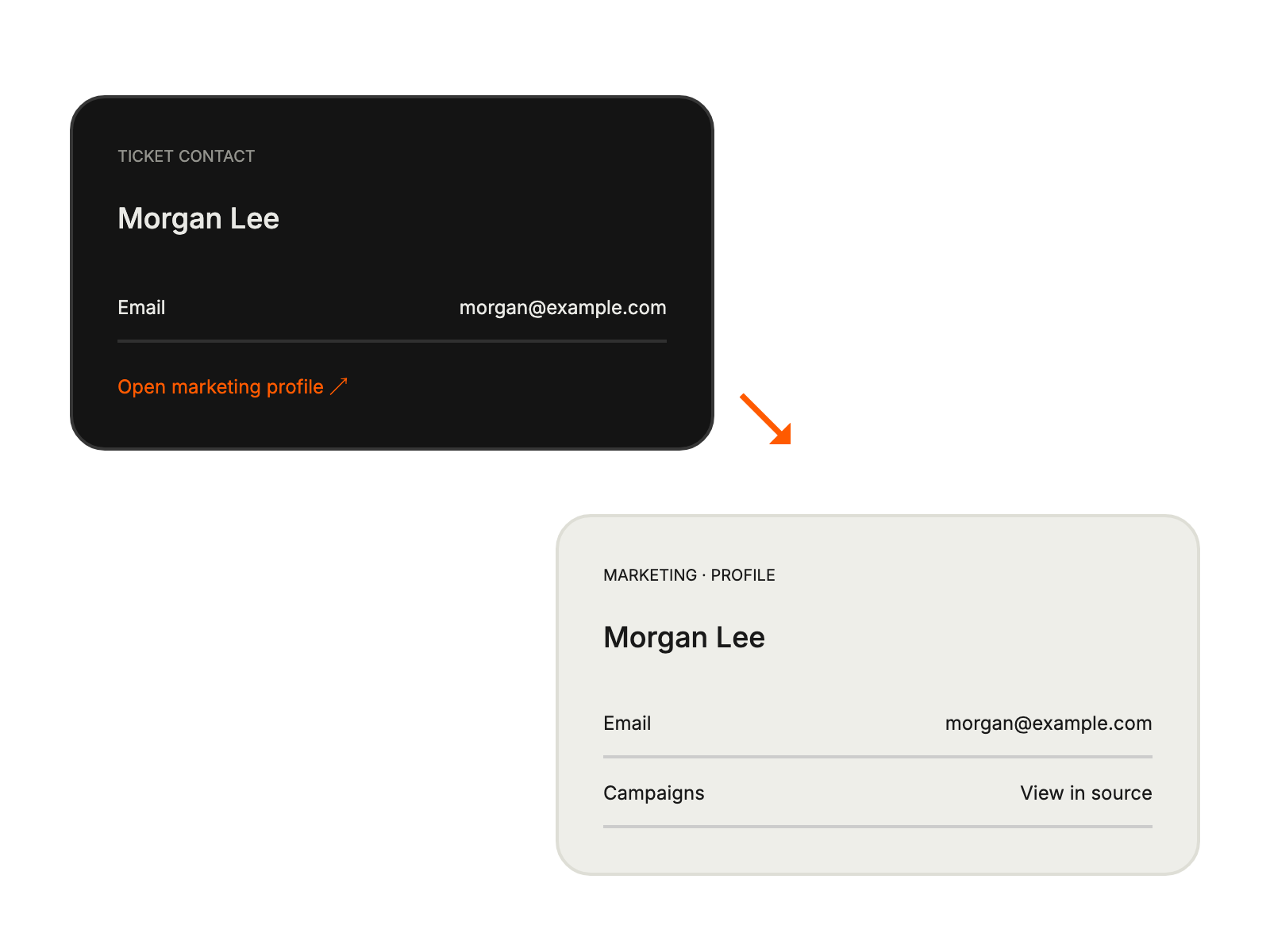
Handling promotion and order inquiries effectively.
Referencing campaigns when addressing customer questions.
Troubleshooting campaign-related issues with full context.


