IT Support Teams
Accessing device details while handling support tickets.
 Help Desk
HappyFox Help Desk integration
Bring NinjaOne device context into HappyFox tickets.

Create a NinjaOne web API application with the documented redirect URI, scope, and grant types.
Enter your region, URL, client ID, and client secret, then grant the required permissions.
After authorization, check the sync and configure managed asset associations.
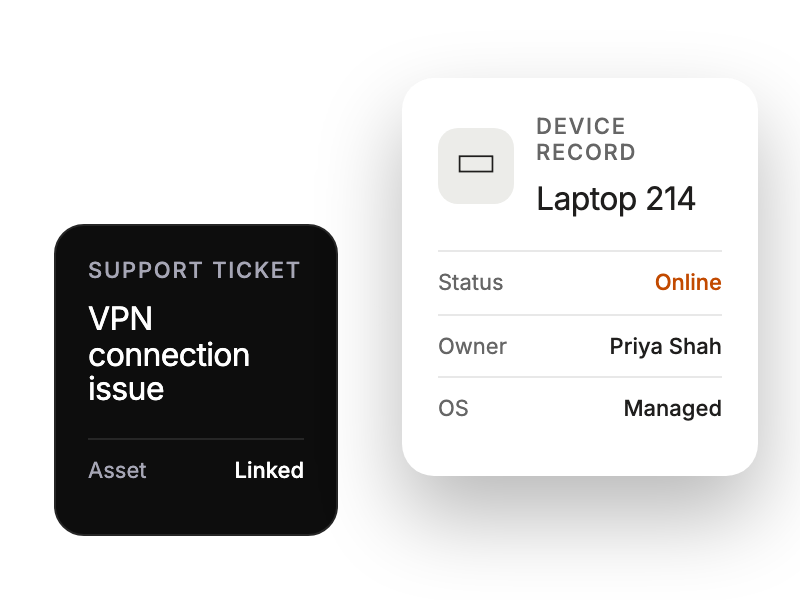
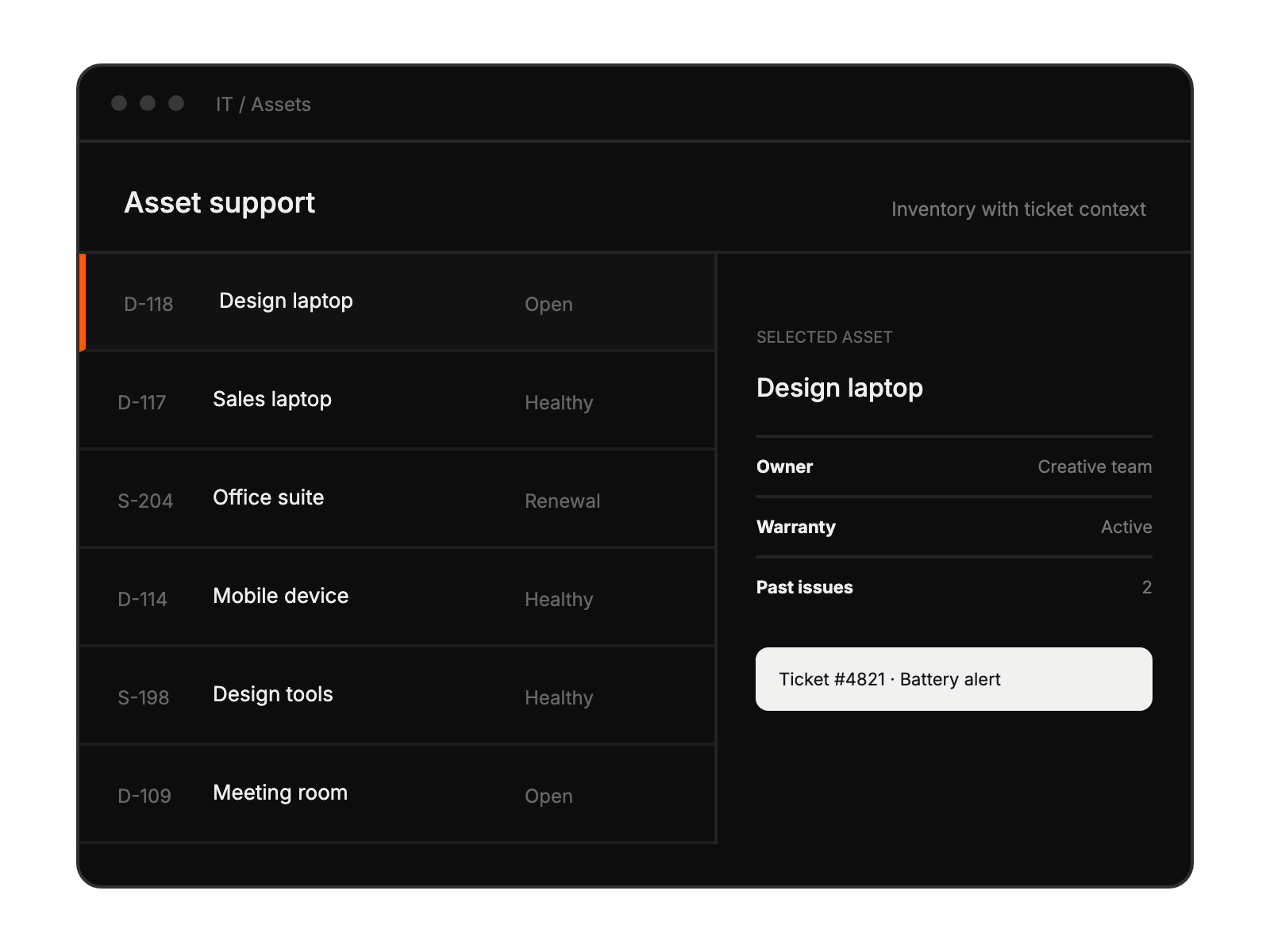
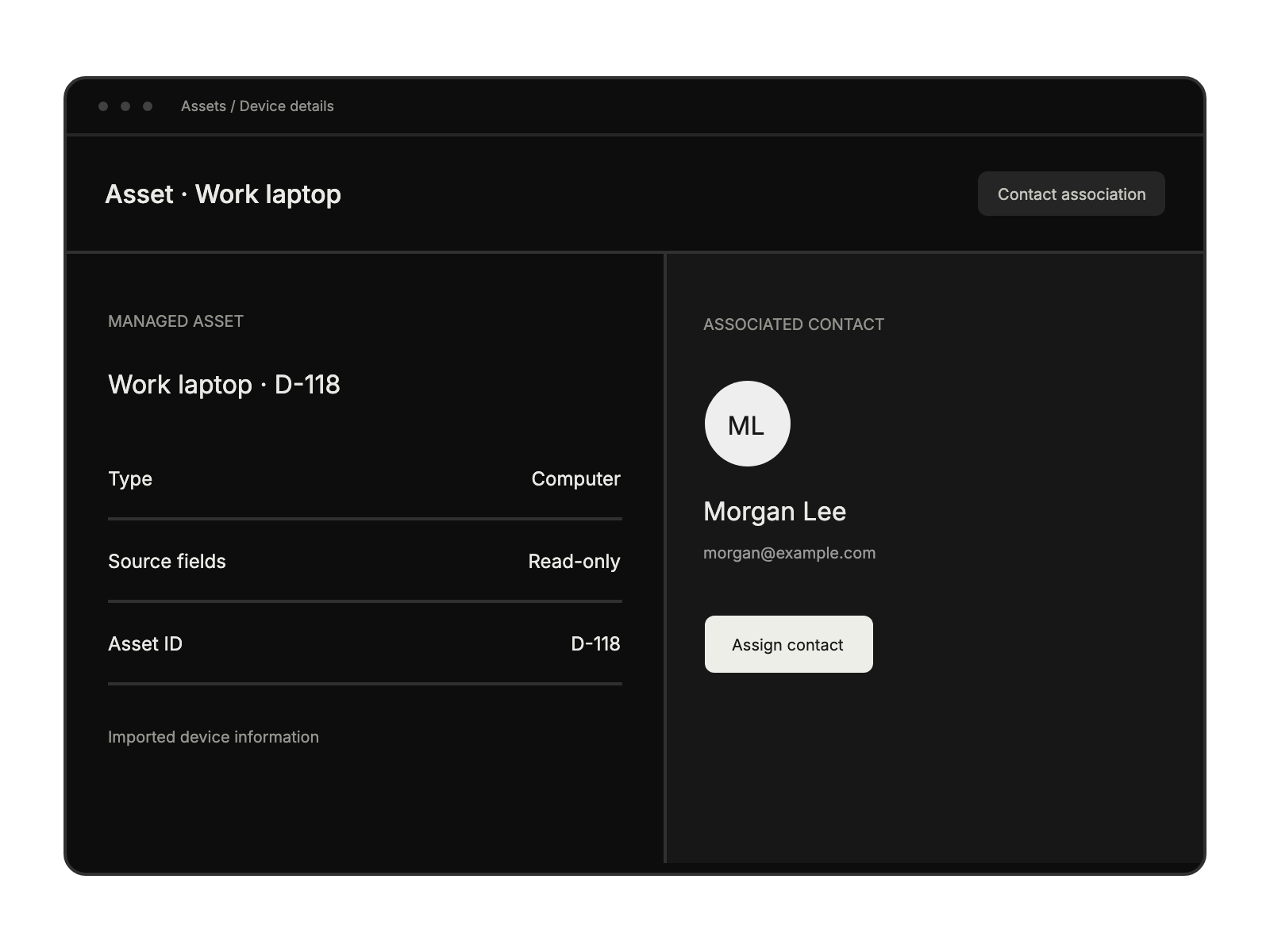
Accessing device details while handling support tickets.
Maintaining comprehensive device management workflows.
Troubleshooting hardware issues more efficiently.
Streamlining device-support coordination processes.


