Support Team Leaders
Escalating critical customer issues to incident response teams.
 Help Desk
HappyFox Help Desk integration
Create incidents in PagerDuty from any support ticket

Select the app under Incident Management in HappyFox Apps.
Use Link PagerDuty and approve access to the required account.
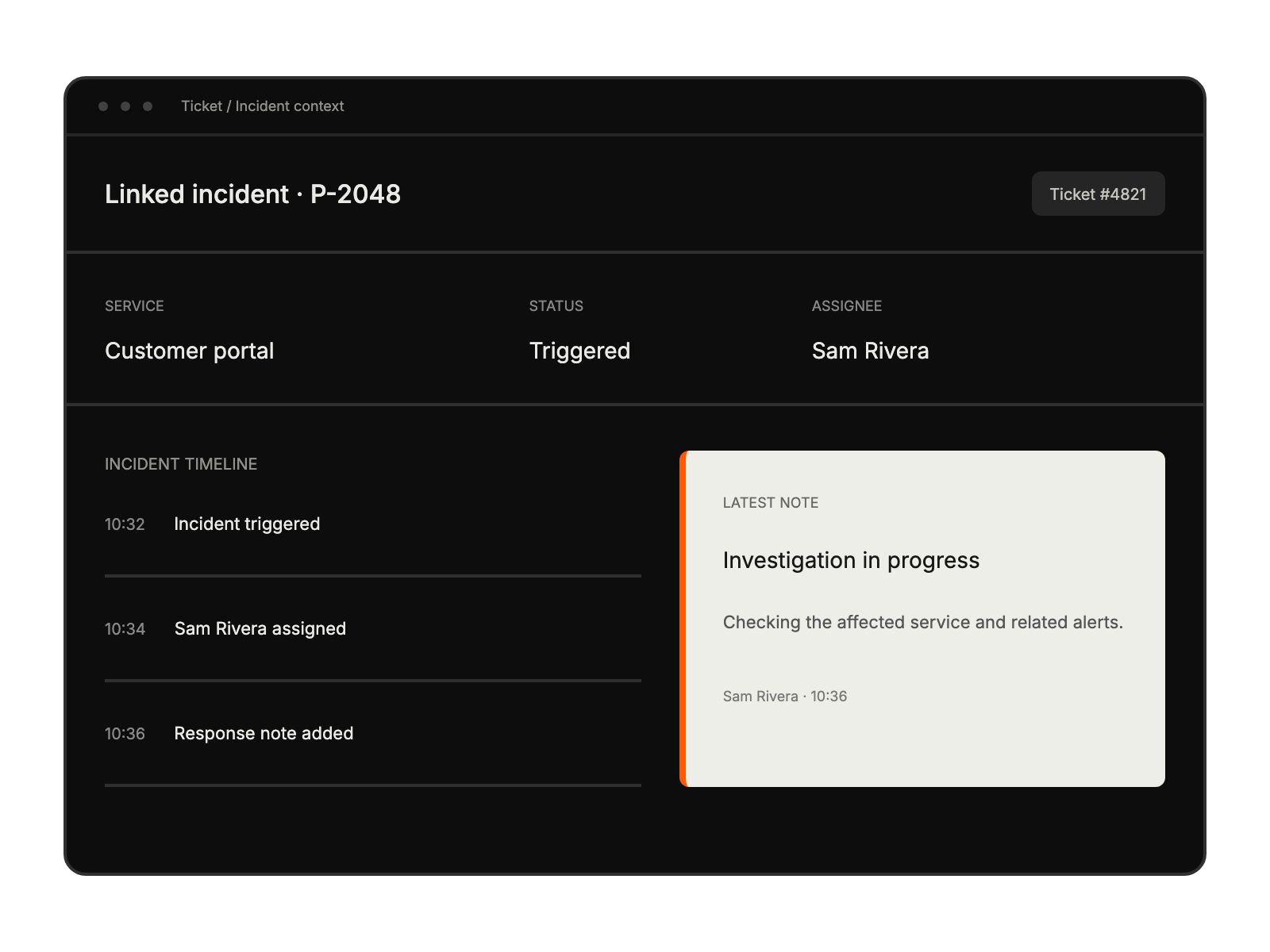
Open the ticket’s PagerDuty section to associate incident work and choose closure behavior.
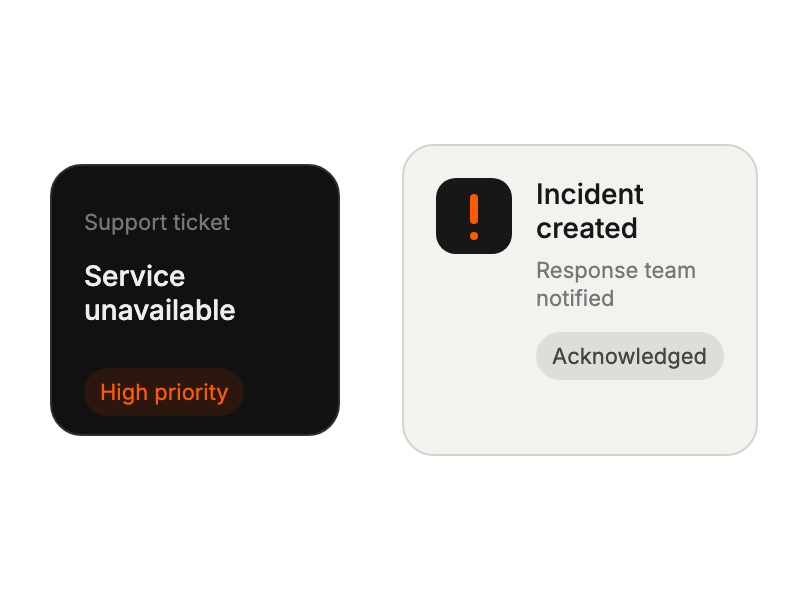
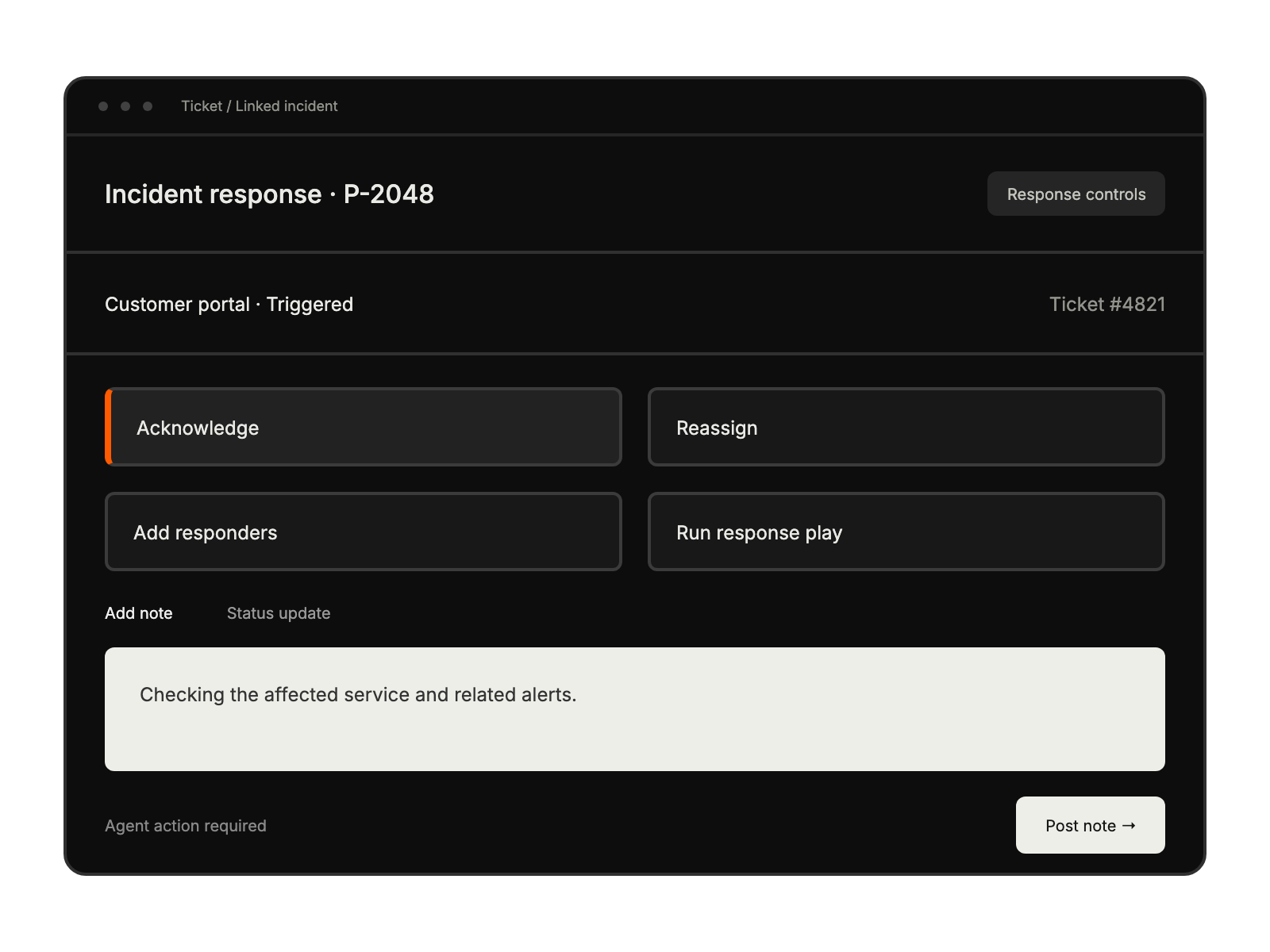
Escalating critical customer issues to incident response teams.
Receiving structured incident reports from customer support interactions.
Tracking incident progress without switching between platforms.


