Support Agents
Converting tickets into tracked development stories.
 Help Desk
HappyFox Help Desk integration
Create linked Shortcut stories with two-way comment sync.

Find Shortcut under Project Management in HappyFox Apps.
Select Link Shortcut Account and enter a token generated in Shortcut.
Choose the workflow, team, and story type, or attach an existing story by ID.
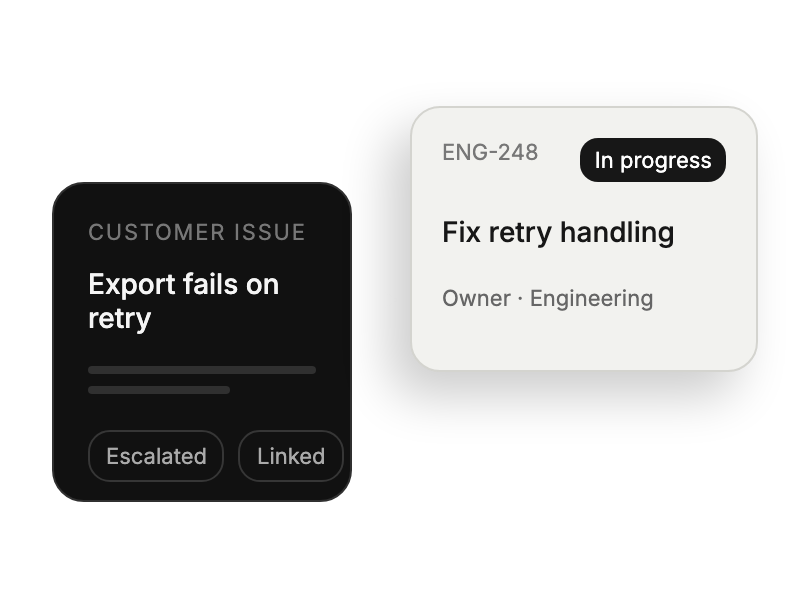
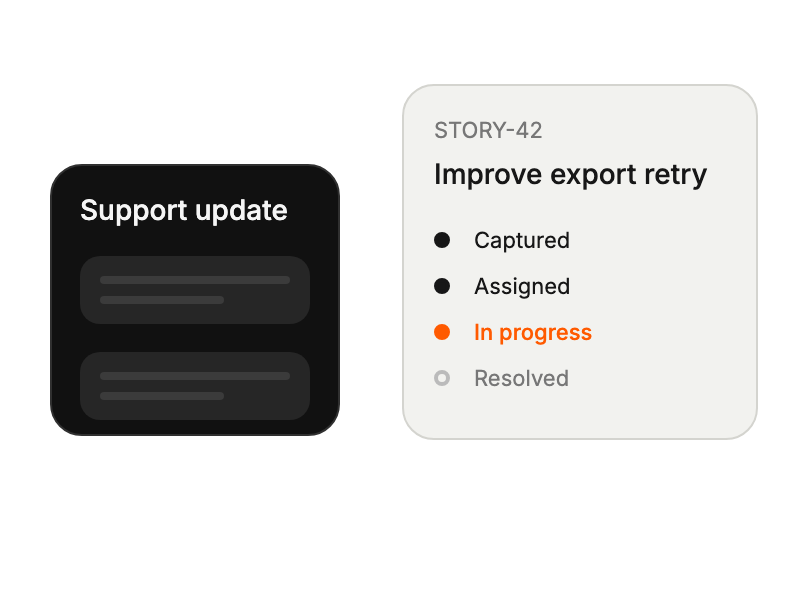
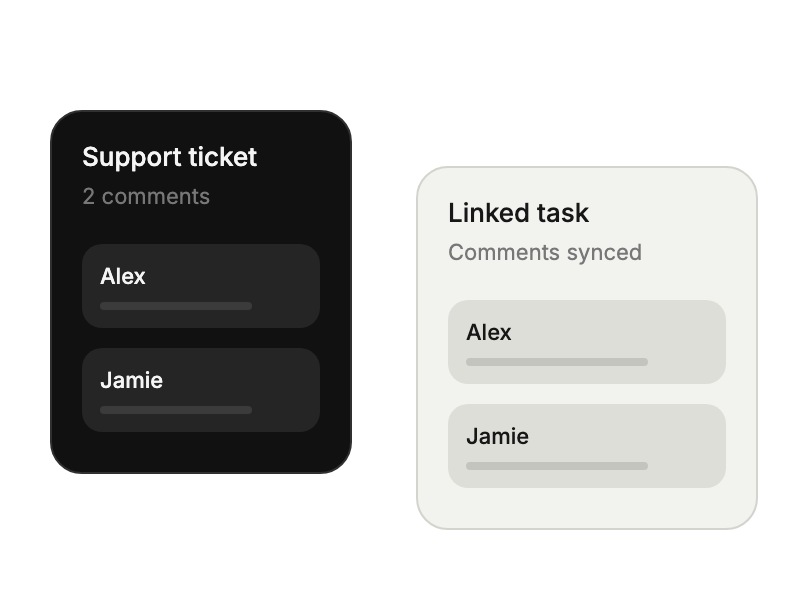
Converting tickets into tracked development stories.
Accessing customer context within project workflows.
Linking customer feedback to feature roadmaps.
Tracking resolution progress on linked stories.


