IT Support Teams
Troubleshooting technical issues by directly accessing customer systems.
 Help Desk
HappyFox Help Desk integration
Launch TeamViewer support sessions from HappyFox tickets.

Generate a script token with the session, account, user, and group permissions listed in the guide.
Find TeamViewer in HappyFox Apps and select Install.
Enter the API token and group name to configure the connection.
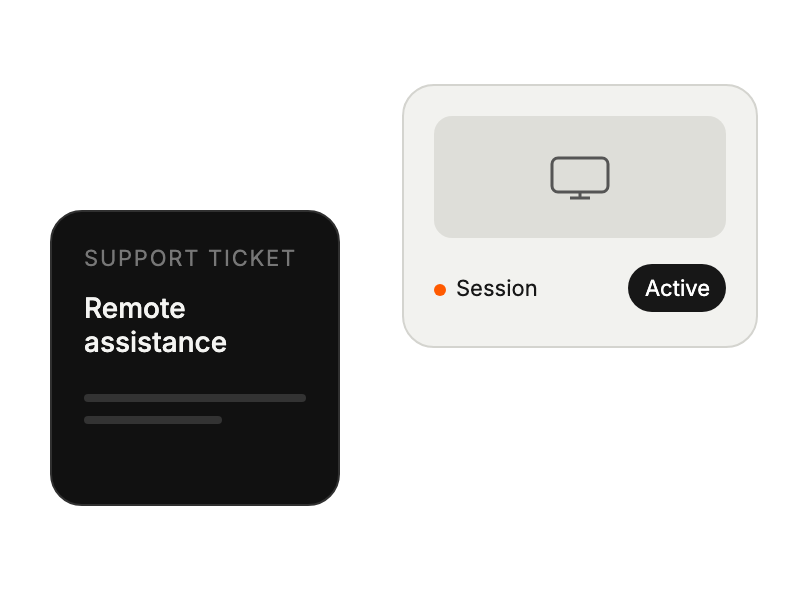
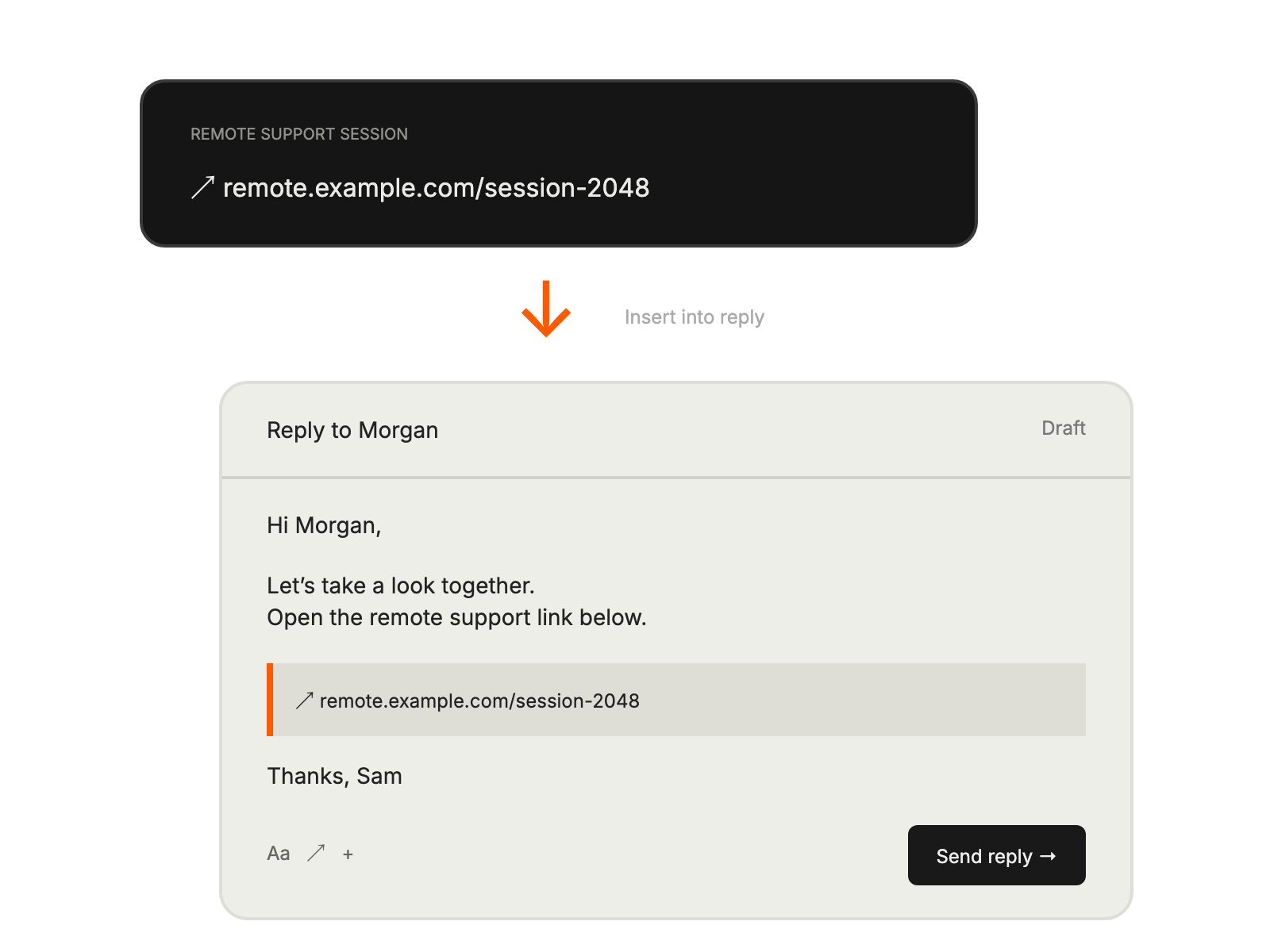
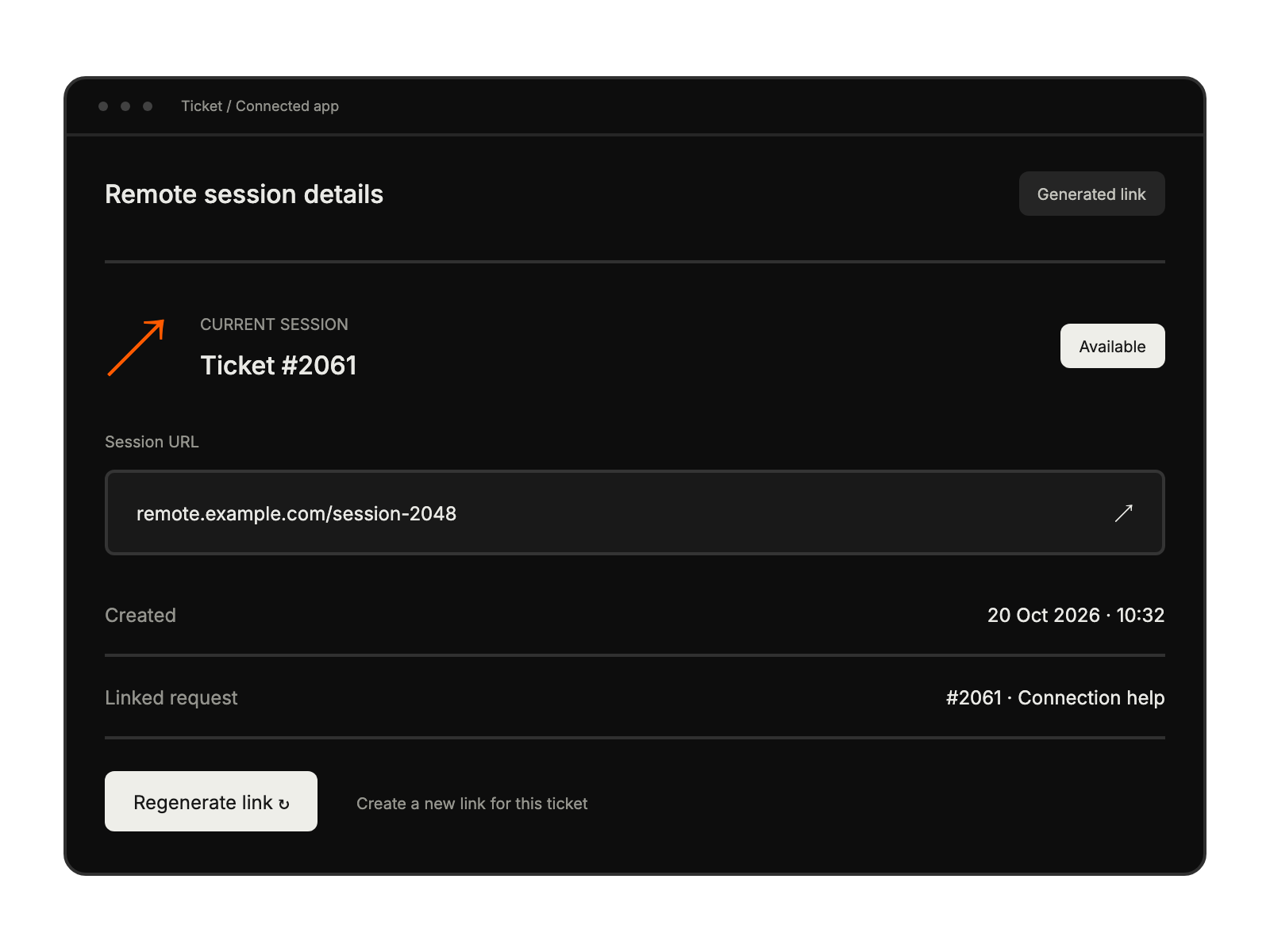
Troubleshooting technical issues by directly accessing customer systems.
Resolving complex problems through visual confirmation and hands-on assistance.
Providing personalized guidance for product implementation and training.
Improving resolution times and enhancing customer satisfaction metrics.